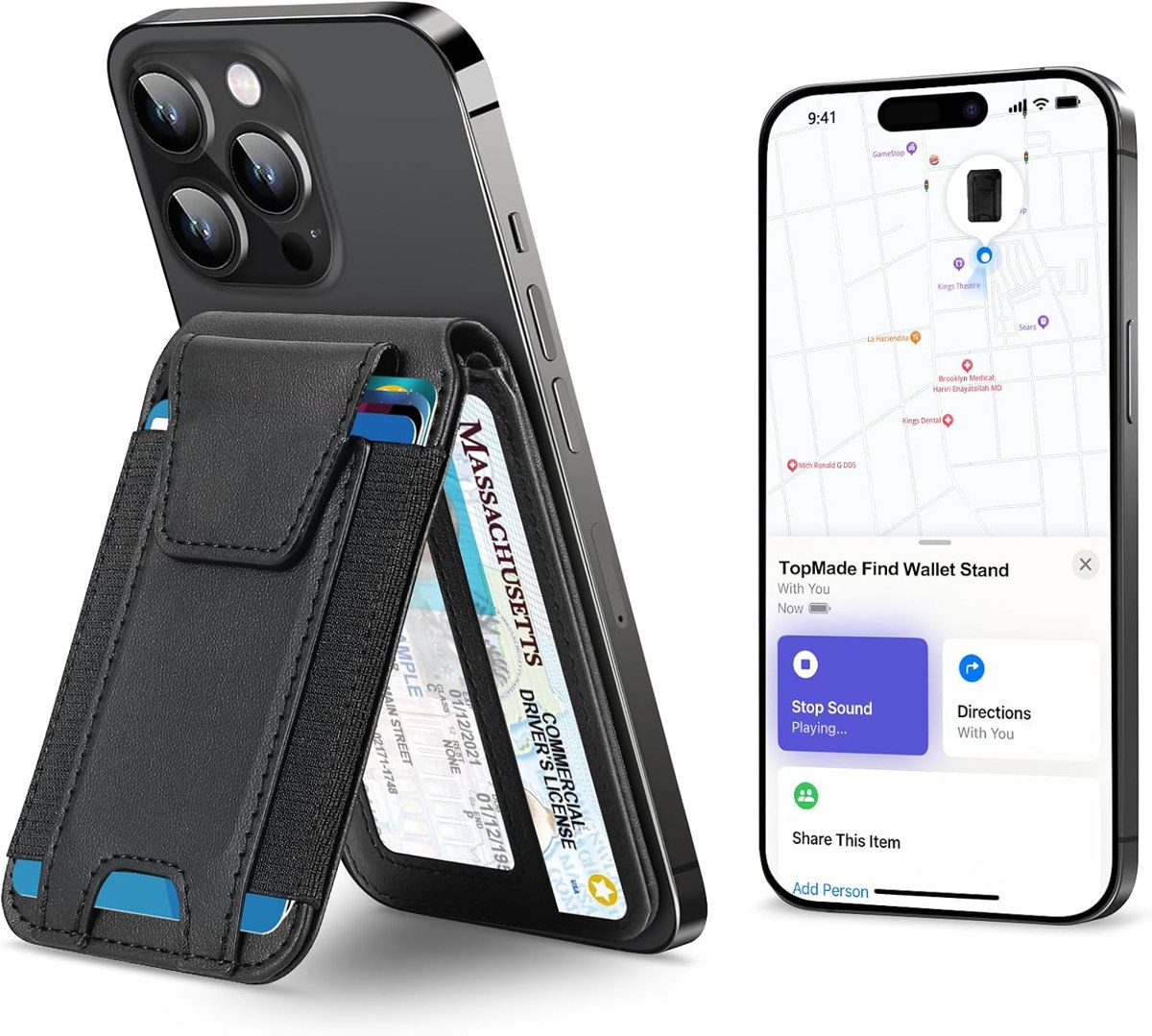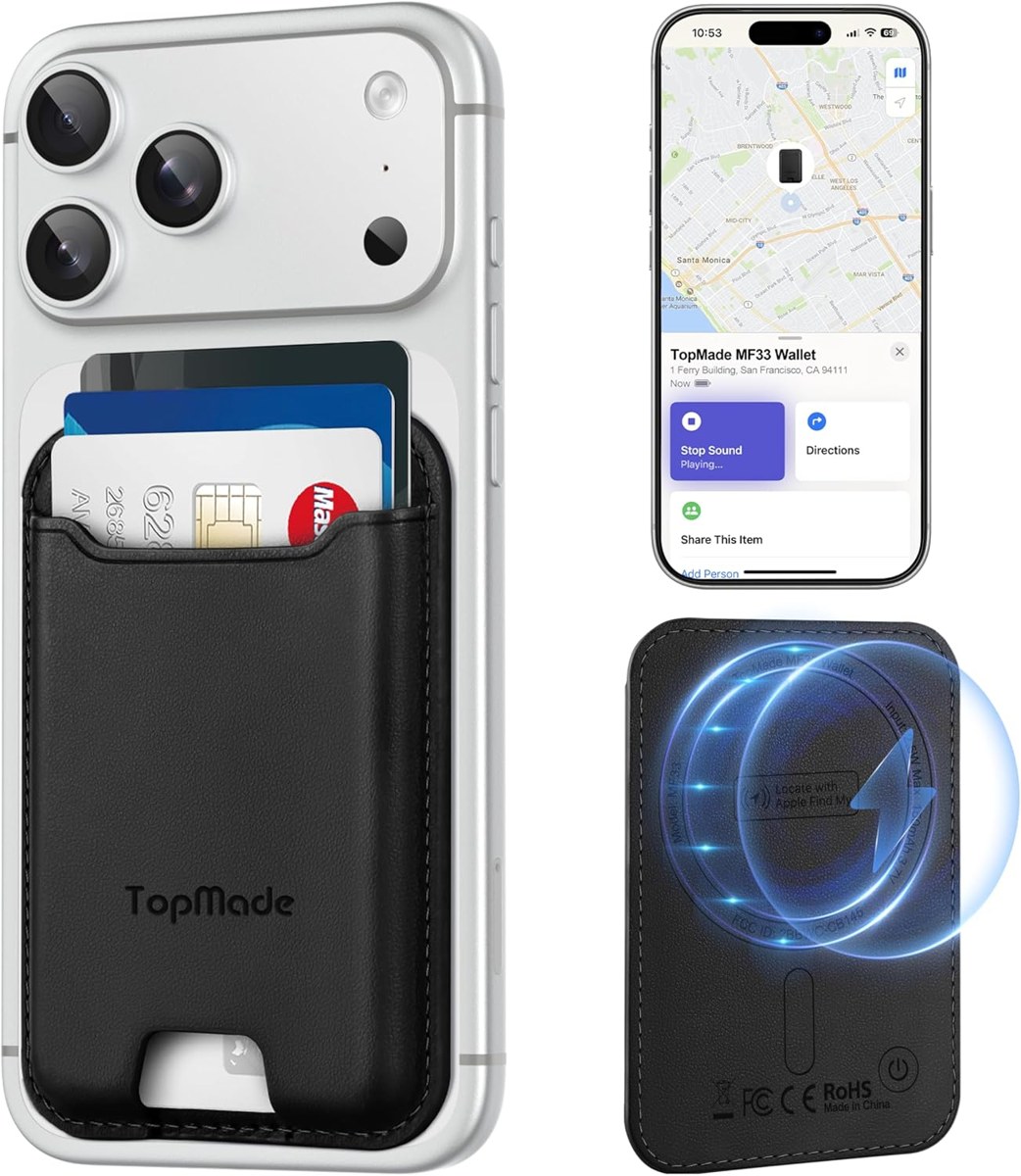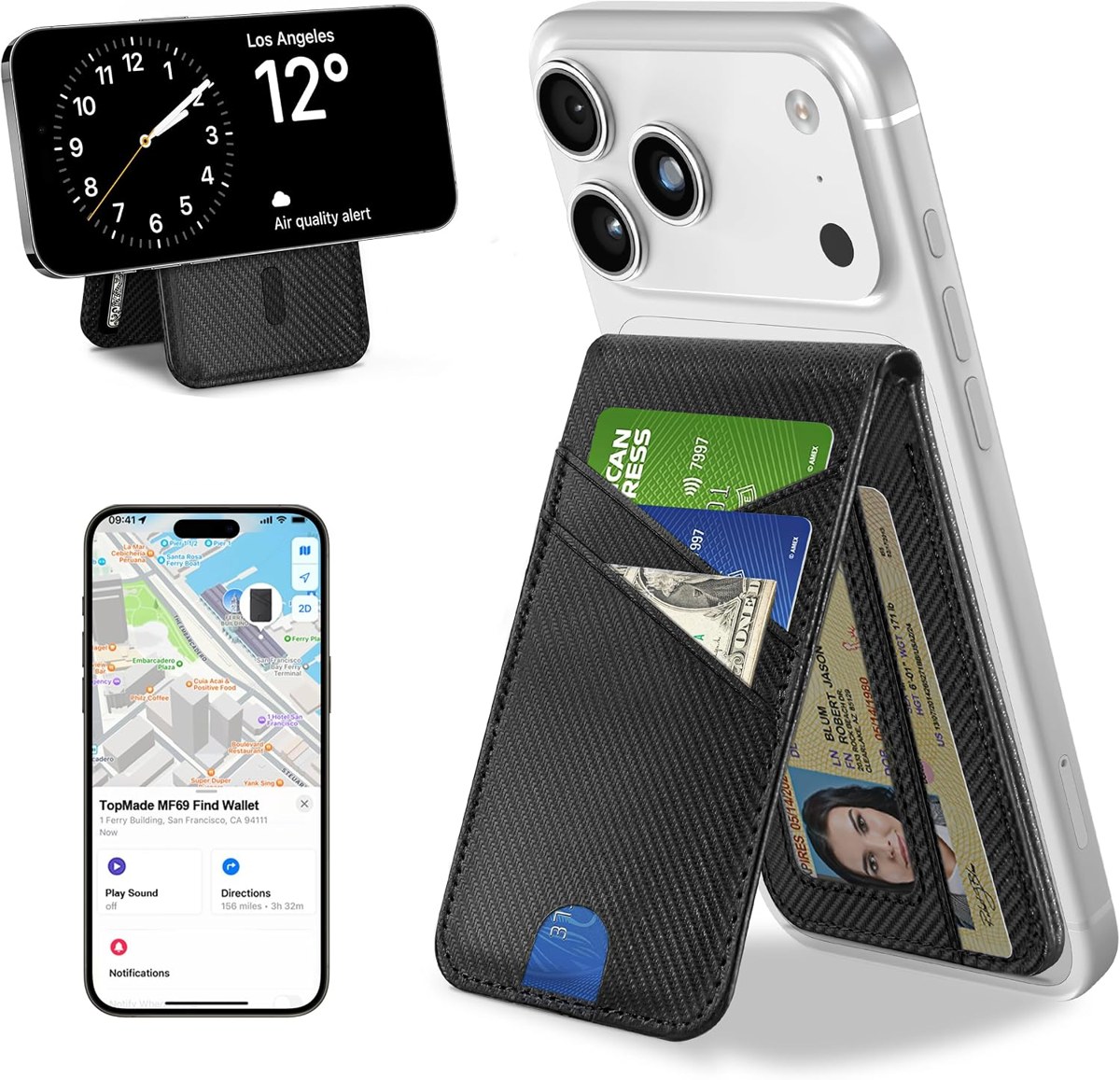
How to charge a TopMade Find My wallet
TopMade Find My wallets have no charging port. The battery charges wirelessly, the same way a phone does.
Charging it
- Take the wallet off the phone.
- Lay it flat on a Qi charging pad or a MagSafe charger, the magnet side down.
- Leave it until the charger's light shows a full charge.
There's no special cable and no adapter in the box — any wireless charger you already own works, including the charging spot on a TopMade desk mat.
How long a charge lasts
About six months on the four-card and stand wallets, about five on the trifold and the leather bifold, and up to four on the six-card wallet stand. Set a reminder for the month it is due, or simply top it up whenever the phone charges overnight.
If it won't charge
Center it on the charger — most pads have a small sweet spot. Remove cards if the pad keeps stopping. Try another charger; some older pads don't detect small items. If it still won't wake up, contact the seller through your order page; the wallet is covered by warranty.
Keychains and luggage tags
The keychain trackers charge over USB-C with the cable in the box. The luggage tag charges wirelessly like the wallets.