Setting up a wireless charging mouse pad
A charging mouse pad needs one cable and a decent adapter. Get those right and it charges like any wireless pad.
Power
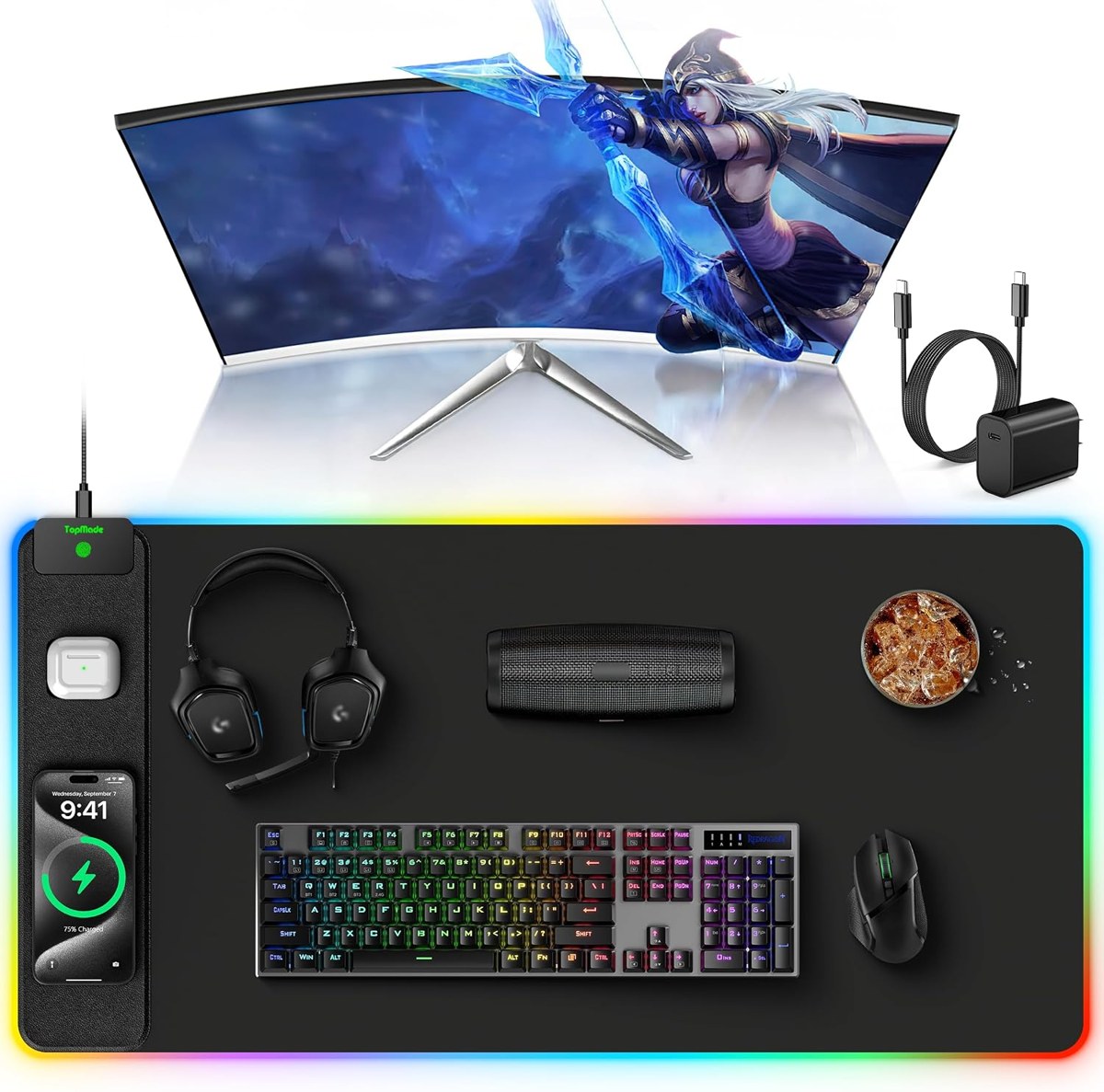
Plug the USB-C cable into the mat and into a USB-C adapter of 20W or more. A laptop port or a 5W cube runs the mat at low power or not at all. Some TopMade mats include a 20W block; the others need one.
Placing phone and earbuds
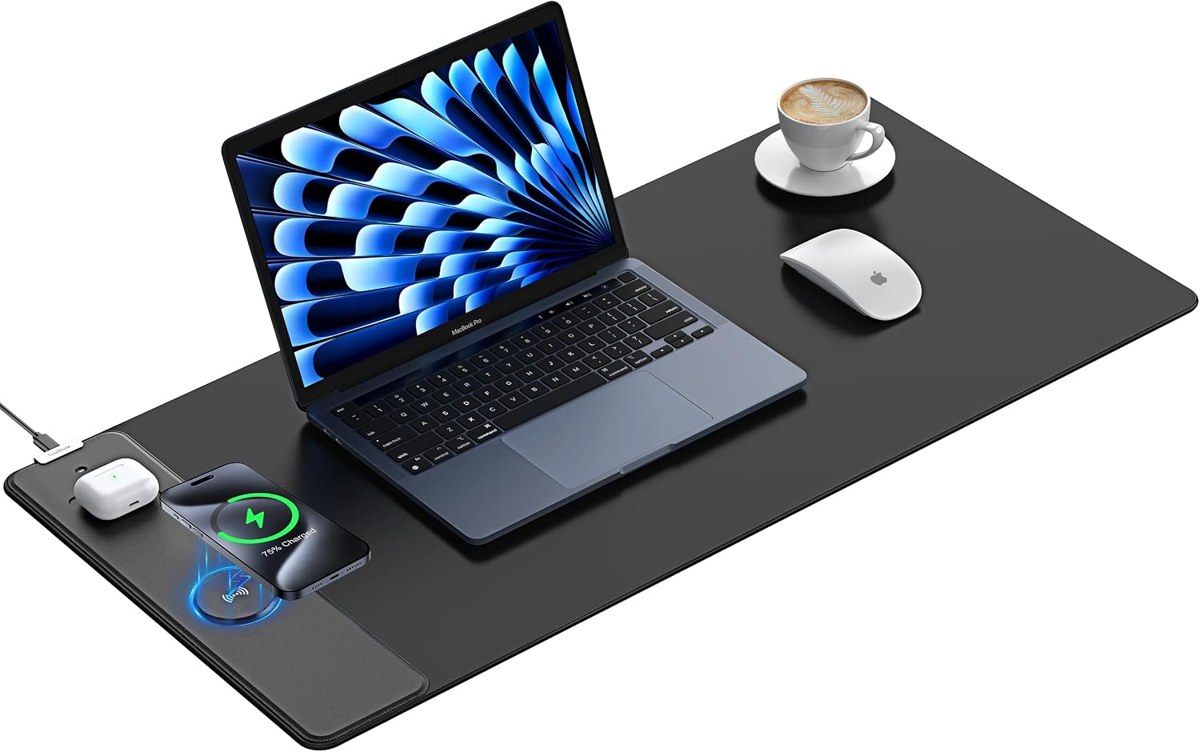
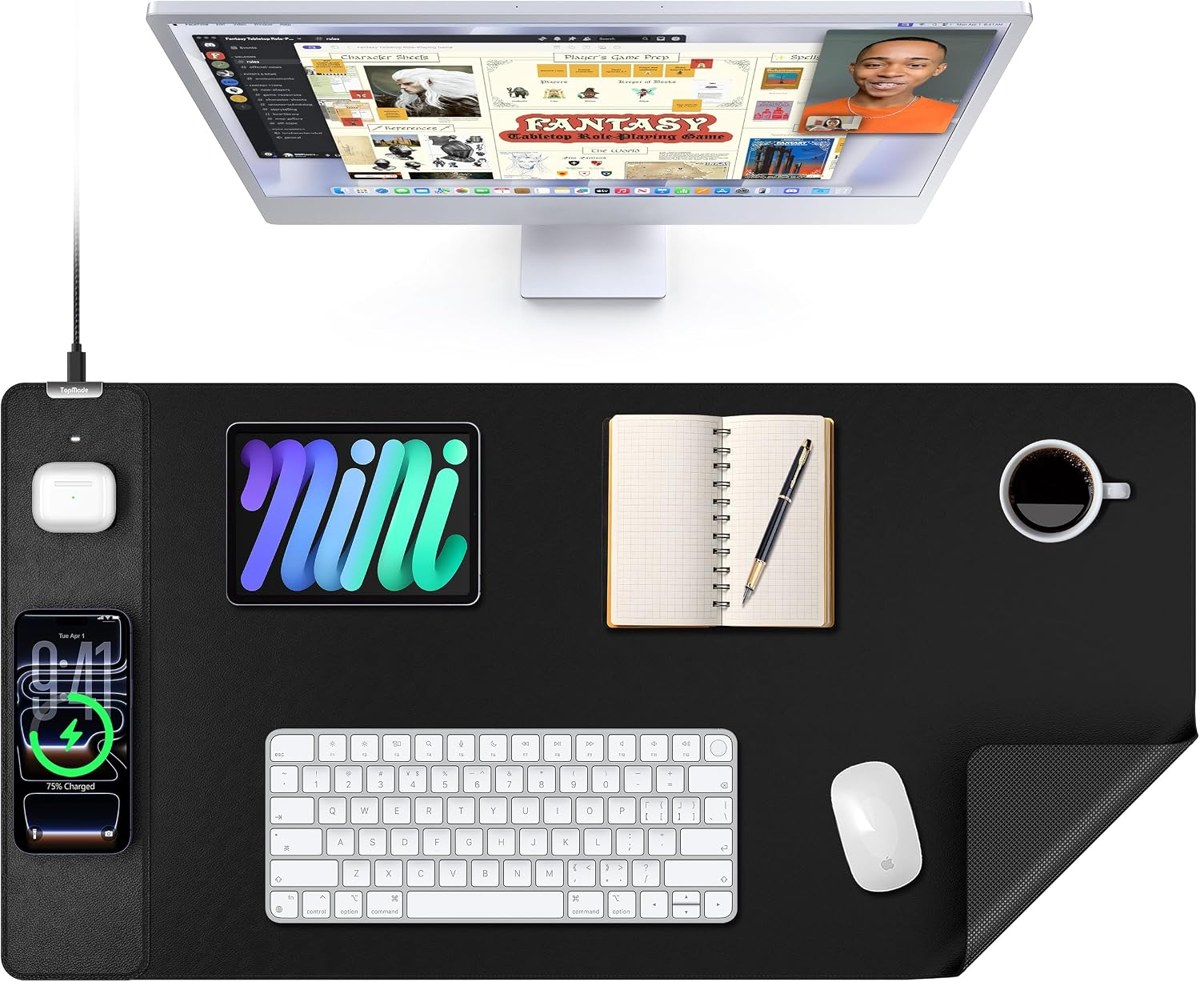
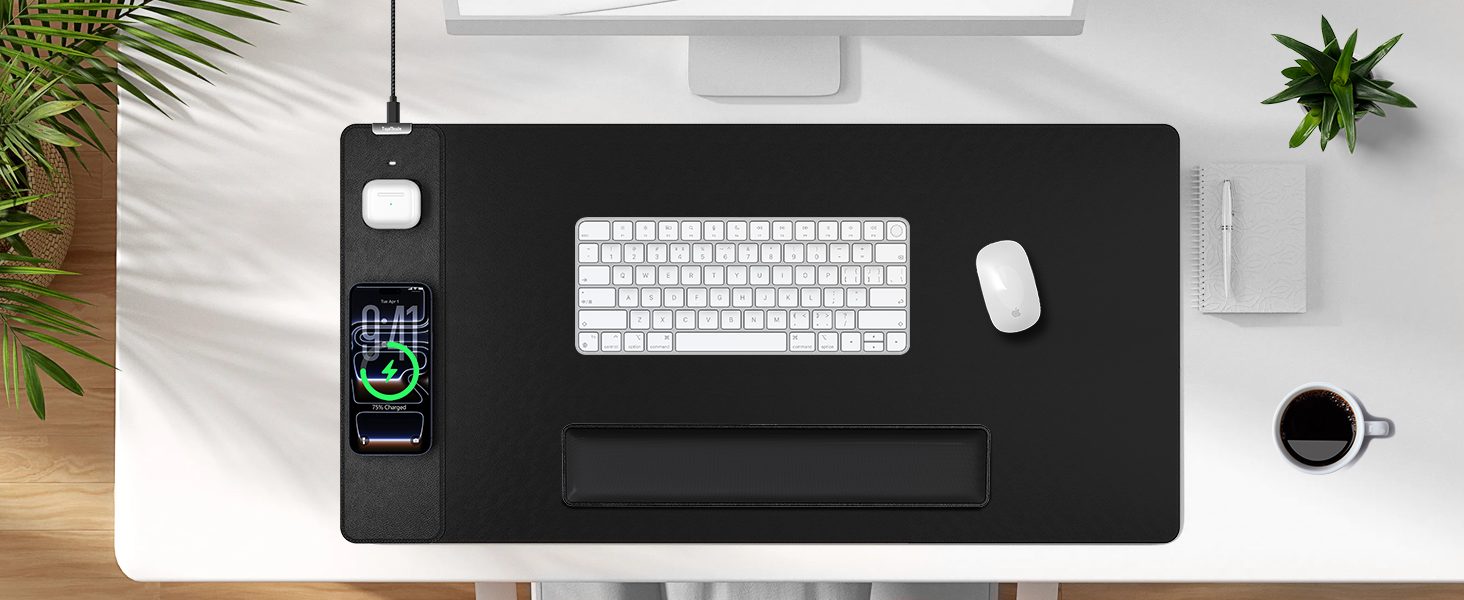
The raised ring is the phone charger: put the phone's center on it. MagSafe iPhones snap into place; other phones just lie on top. The flat spot beside it is for AirPods or other earbuds in a wireless case.
Cases and cards
Thin cases are fine. Card wallets, metal plates and pop grips are not — the mat detects metal and pauses.
Cleaning
Wipe the surface with a damp cloth. Keep water away from the cable port and let the mat dry before plugging it back in.